
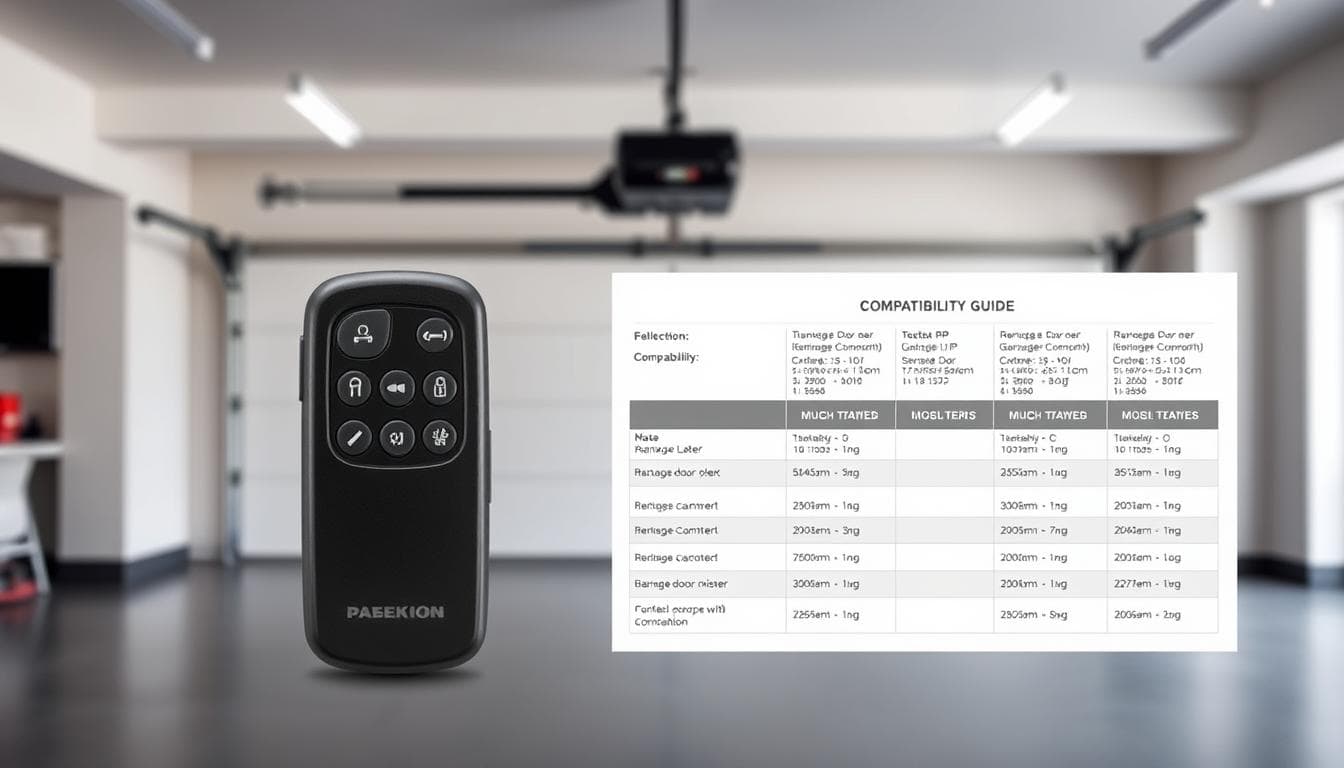
Picture this: you’ve lost your trusty clicker, and now you’re stuck outside. Can you grab any replacement off the shelf? The short answer? No. These handy devices aren’t one-size-fits-all – they’re designed to match specific systems through radio frequencies and unique coding.
Think of it like a secret handshake. If the garage door opener and remote don’t share the same frequency and coding language, they simply won’t connect. Even models marketed as “universal garage door” remotes have limitations – they might cover common brands but won’t work with every garage door system out there.
Why does this matter? Choosing the wrong garage door remote option could leave you frustrated and out of pocket. That’s why understanding your existing garage door setup is crucial before buying replacements. We’ll break down the techy stuff into plain English, helping you navigate frequencies, rolling codes, and compatibility checks without needing an engineering degree.
Key Takeaways
* Most garage door systems require matching radio frequencies between remotes and openers
* Universal models only work with specific brands, not all door openers
* Modern garage door systems use rolling codes for better security
* Check your garage door opener’s manual or model number before buying replacements
* Professional programming might be needed for some remote garage door options
* Third-party garage door remote options can save money if compatibility is confirmed
Understanding Garage Door Remotes and Compatibility
Your daily convenience relies on a hidden dialogue between two electronic partners. The handheld garage door remote you use and the machinery above your car must share specific technical details to work seamlessly. Let’s unpack how these components interact and why matching them correctly matters.
Overview of Garage Door Systems
Every system has three main parts: the motorised unit, wall controls, and your portable transmitter. The motor acts as the brain, translating signals into movement. Wall switches use direct wiring, while handheld devices depend on wireless signals. Think of it like a team sport – everyone needs to follow the same playbook for their garage door openers.
Key Terms and Technologies in Remotes
Two factors determine whether devices work together: radio frequencies and security codes. Most Australian setups use 433MHz frequencies – the same range as car key fobs. Modern systems add rolling codes that change with each use, like a new password every time you press the button. Older models might use fixed codes, which are simpler but less secure. Understanding these aspects is crucial for finding the right remote compatible with your garage door opener.
Why does this technical stuff matter? Using mismatched equipment is like trying to charge your phone with the wrong cable – it just won’t connect. Always check your existing setup’s specifications before shopping for replacements. Some brands even use proprietary tech, making third-party options tricky without professional help. If you’re looking for a universal garage door solution, knowing these details can save you time and questions.
Identifying Your Garage Door Opener Brand and Model
Before you buy a new clicker, there’s detective work to be done. Matching your system’s exact identity prevents wasted trips to the shops. Think of it like finding a spare key – you need the original’s blueprint first to ensure you get the right remote for your garage doors.
Inspecting the Motor Unit and Remote
Where’s the best place to start your search? Look up. That box on your ceiling holds answers. Wipe dust off the motor unit – most have a sticker showing the brand and model. Can’t reach it? Your existing clicker’s backside often reveals matching details.
Locating the Product Manual and Codes
That booklet you shoved in a drawer years ago? Goldmine. Manuals list compatible replacements and setup codes. Lost yours? Check battery compartments – some opener remotes hide model numbers there. Popular Aussie systems like B&D or Chamberlain use unique codes, so snap clear photos of any labels you find.
| Location | What to Find | Pro Tip |
|---|---|---|
| Motor unit | Brand sticker with model | Use a ladder & torch |
| Remote back | Engraved numbers | Check under batteries |
| Manual | Compatibility charts | Search PDFs online |
Stuck? Aussie homeowners often deal with faded labels. If Steel-Line or Merlin systems have you puzzled, email photos to the manufacturer. They’ll sort you out faster than you can say “broken clicker”.
Checking Frequency and Coding Requirements
Your system’s security and functionality depend on two critical factors: the wireless channel it uses and how it verifies commands. Let’s decode these technical elements without the jargon – you’ll be troubleshooting like a pro in no time.
Understanding the 433MHz Frequency Range
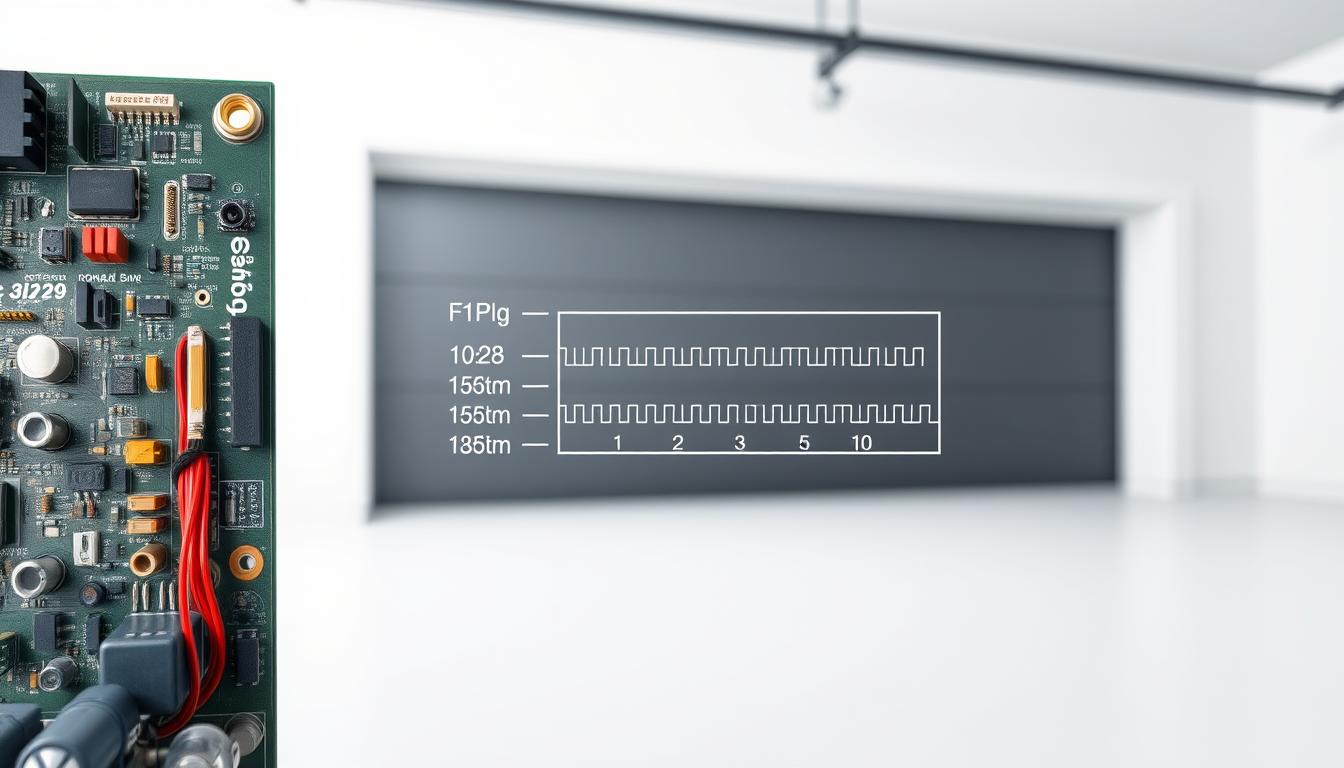
Think of frequencies as invisible highways for signals. Most Australian systems use the 433MHz band – the same wireless lane many car keys and home alarms share. But here’s the catch: older setups might cruise on different channels like 315MHz or 390MHz.
How can you tell? Peek under your clicker’s battery cover. Manufacturers often stamp the frequency there. No luck? Check your motor unit’s manual or look up your model online. Matching this number is non-negotiable – even the right code won’t work if the “radio station” isn’t tuned correctly.
Explaining Rolling Code Technology
Modern systems play a clever game of catch. Each time you use remote controls, both devices generate a new verification sequence. This rolling code system stops would-be thieves from recording and replaying your signal.
Why does this matter? Fixed-code systems (common in pre-2010 models) repeat the same signal – like using the same password forever. Upgraded systems with advanced security features change their digital handshake every use. Check your existing opener for “Security+” or “Intellicode” labels to confirm which type you have.
Struggling to pair devices? Some universal remotes require manual code entry – that series of dips switches or numbered buttons you’ll find in instructions. When in doubt, snap photos of your equipment labels and consult your manufacturer’s support team.
Are Garage Door Remotes Universal: What You Need to Know
Finding a replacement clicker feels urgent when you’re locked out. While universal options seem like quick fixes, their effectiveness depends on your system’s technical specs. Let’s explore how these multi-brand solutions operate and where they fall short.
While discussing remote compatibility, it’s worth noting that homeowners often ask similar questions like, are garage door seals universal, since both remotes and seals depend on specific designs and models for proper functionality.
Matching Your Remotes with Specific Opener Models
Third-party devices work by speaking your system’s language. Manufacturers pre-load them with codes for popular brands like B&D or Merlin. But here’s the catch: if your motor unit uses proprietary tech or uncommon frequencies, even “universal” options might leave you stranded.
Always cross-check packaging lists against your opener’s model number. One Brisbane homeowner learned this the hard way – their 1990s system required a specialist replacement despite the shop assistant’s assurances.
Benefits and Limitations of Universal Remotes
These multi-brand devices shine in two scenarios: replacing lost clickers for mainstream systems or controlling multiple doors. Why carry three transmitters when one handles everything? Modern versions even support rolling codes, matching OEM security standards.
But compromises exist. You might lose custom features like timed closures or battery indicators. Signal strength can vary too – cheaper models sometimes struggle with metal garage panels or longer distances. For rare or commercial-grade systems, manufacturer-specific remotes remain the safer bet.
Pro tip: Keep your original clicker’s manual. It contains compatibility charts that simplify replacement shopping, whether you choose universal or brand-locked options.
Choosing the Right Remote for Your Garage Door System
Imagine holding a device that works seamlessly every time you press a button. That’s what happens when your handheld matches your motor unit perfectly. Let’s explore how to pick the best solution without wasting money or time.
Genuine vs Universal Remote Options
Manufacturer-made devices act like tailored suits – designed specifically for your system. They connect instantly and often include bonus features like smartphone controls. One Sydney resident reported their genuine replacement worked from 50 metres away, even through brick walls.
Universal models? Think adjustable waistbands. They fit multiple systems but might sag where it counts. While cheaper upfront, they sometimes need extra programming steps. A Perth family saved $40 on a universal model, then spent hours troubleshooting interference from their new LED lights.
Key Features and Added Functions
Modern replacements aren’t just clickers anymore. Top-tier versions let you check battery levels or activate lights before opening. Some even work with Alexa – “Open the roller door” becomes part of your morning routine.
Are Garage Door Remotes Universal
Here’s what matters most:
* Signal strength (look for 433MHz models)
* Smart home connectivity
* Multi-door control buttons
* Weather-resistant casing
Always check warranty details. Original equipment usually offers 2-5 years coverage, while third-party options might only last 12 months. Your motor unit’s manual contains compatibility charts – keep it handy when shopping.
Conclusion
Ever stared at a jumble of replacement options feeling overwhelmed? Finding the right match for your system doesn’t need to be stressful. Start with your opener’s model number – that golden ticket simplifies everything. Jot it down where you’ll remember, like your phone’s notes app.
When considering remote compatibility, some homeowners also ask, are garage doors aluminium, since the material of the door can sometimes affect signal range and performance of universal remotes.
Security-conscious homeowners should prioritise rolling code technology. It’s like having a new lock combination every time you press the button. Many Aussie suppliers now offer smart versions – control your space from the couch or the shops. Just check return policies in case adjustments are needed.
Here’s a tip from tradies: always keep a spare. Tuck one in your glovebox or give it to a trusted neighbour. Compatibility hiccups? Local experts like B&D or Merlin technicians can sync devices faster than you’ll finish your cuppa.
Investing time upfront saves weekend headaches later. Whether you choose brand-specific or multi-system solutions, the right clicker keeps life rolling smoothly. Now – where did you put that model number again?
FAQ
Will any remote work with my garage door opener?
No. Most openers require remotes that match their brand, frequency (like 433MHz), and security coding. Brands like Chamberlain, Merlin, or B&D use unique signals. Always check compatibility guides before buying replacements.
How do I find the right replacement remote?
Start by locating the model number on your motor unit or original remote. Brands like Centurion or Stratco often print codes near the battery compartment. Cross-reference this with manufacturer guides or retailer compatibility lists.
Are universal remotes reliable for older systems?
They can work well with basic systems lacking rolling-code tech. However, homes with post-1990s openers (common with Alspec or Technicraft models) might need brand-specific remotes for encrypted signal compatibility.
Can I reprogram a second-hand remote?
Sometimes. If the frequency matches and the remote supports resetting (like older Hills models), follow your opener’s reprogram steps. Rolling-code remotes often can’t be reused due to security protocols.
Why won’t my new universal remote pair correctly?
Mismatched frequencies or outdated coding methods are common issues. Check if your opener uses DIP switches (older systems) or modern rolling codes. Systems from brands like B&D or Merlin may require specific syncing steps.
Do smart remotes work with all openers?
Not always. Wi-Fi or Bluetooth-enabled devices (like those from Genie or LiftMaster) often need hub adapters for older systems. Verify compatibility with your opener’s make and communication protocol first.
How do I check my current remote’s frequency?
Look for labels showing kHz/MHz ratings (e.g., 315MHz, 433MHz) on the remote’s back or under the battery. Brands like Centurion or Stratco often list this near the model number. A technician can also test it with a frequency reader.
